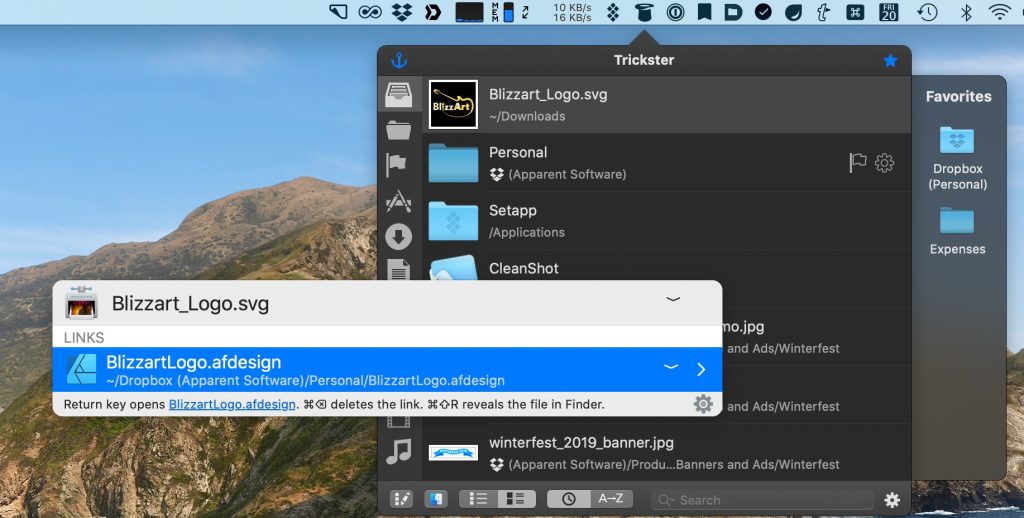
Hook is a Mac productivity app that allows connecting documents, websites, and notes for quick navigation to relevant data, based on what you’re currently working on. As such, it can be handy to combine with Trickster, so that you can quickly navigate to files or sites related to your recent files as shown in Trickster.
Hook listing a file from Trickster and its link to the design document
UPDATE: Hook now has built-in Trickster integration. So there’s no need to perform any of the manual integration steps below. Thank you, Luc, for adding Trickster so quickly.
Hook doesn’t have a built-in integration with Trickster (yet), but it’s easy to add the support manually in the meantime. Here, we’ll show how.
Launch Hook, click on its menu bar icon, then on the gear icon and select Preferences in the menu (This works similarly to Trickster’s menu).
Navigate to the Scripts tab in Preferences and hit the + button below the list of integrations on the left.
Click on the “Get Name” tab on top.
Copy and paste the following code there:
tell application "Trickster"
  set se to selected entries
  set t to item 1 of se
  set filename to file name of t
end tell
Click on the Get Address tab.
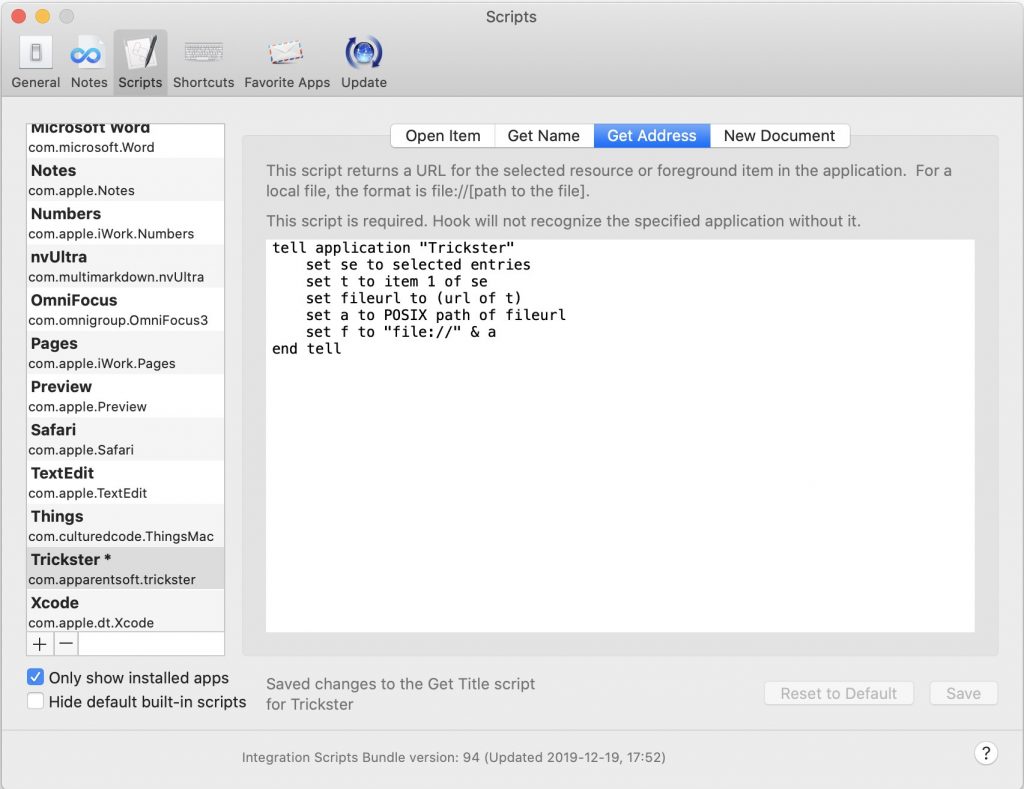
Copy and paste the following code there, then hit Save.
tell application "Trickster"
    set se to selected entries
    set t to item 1 of se
    set fileurl to (url of t)
    set a to POSIX path of fileurl
    set f to "file://" & a
end tell
Quit and restart Hook to ensure the new scripts take effect.
That’s it! Now, select a file in Trickster, invoke Hook (with its shortcut or the menubar icon) and it should show the selected file in its own popup.
How the Get Address script appears in Hook Preferences
In this season of gratitude, we’re thankful for you, dear users! Whether you’ve been using Apparent Software for years or you just found us today (welcome!), this is the perfect time to grab one of our useful, friendly applications.
Give your Mac tools a glow-up just in time for the holidays!
Until midnight on Monday, December 2, ImageFramer, Trickster, and Cashculator are 50% off. Yes, even ImageFramer Pro—a $35 savings that gets you batch processing and the frame editor along with ImageFramer’s huge and growing frame library!
This offer is valid only on purchases made directly through our websites. Good while supplies last! (We’re kidding; there’s plenty of software to go around.)
Click to save:
Beautifully frame your photos and digital art with ImageFramer
With the release of version 3.2, Trickster better supports macOS Catalina (10.15) and introduces an exciting new feature — the Current App Filter.
Now, when Trickster detects a change to a file, it remembers which application was active at that moment. Active here means that the app’s name was in the menu bar near the Apple logo.
When the Current App filter is active, Trickster will further filter files that it would show using these two additional criteria. Any of these options would show the file:
The file was modified or created when the same application that is active now was active.
The file can be opened by the currently active application
Trickster’s bottom bar
The currently active application’s icon is displayed in Trickster’s bottom bar in a button that toggles the filter (Safari in the screenshot above). When it’s active, its background is of a different shade and the active application’s name displays in Trickster’s title bar in square brackets.
This filter can be toggled in two ways:
By clicking the button with the icon of the active app.
By pressing Command-P on the keyboard when Trickster has keyboard focus (click inside Trickster to select a file, for example).
On the heels of Trickster 3.0 release, we added a couple of improvements to Trickster’s customizability.
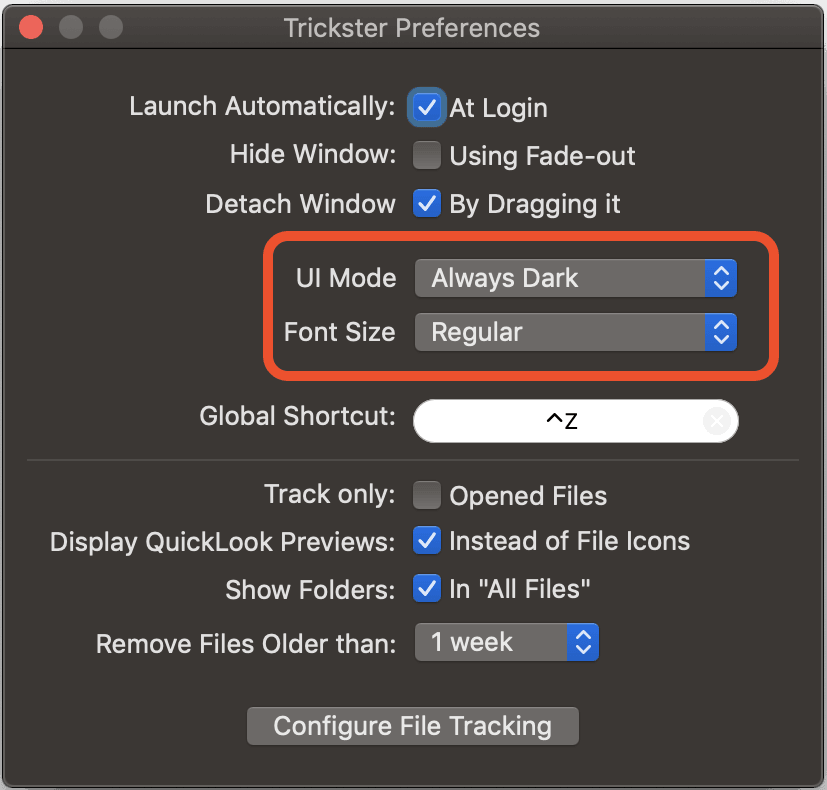
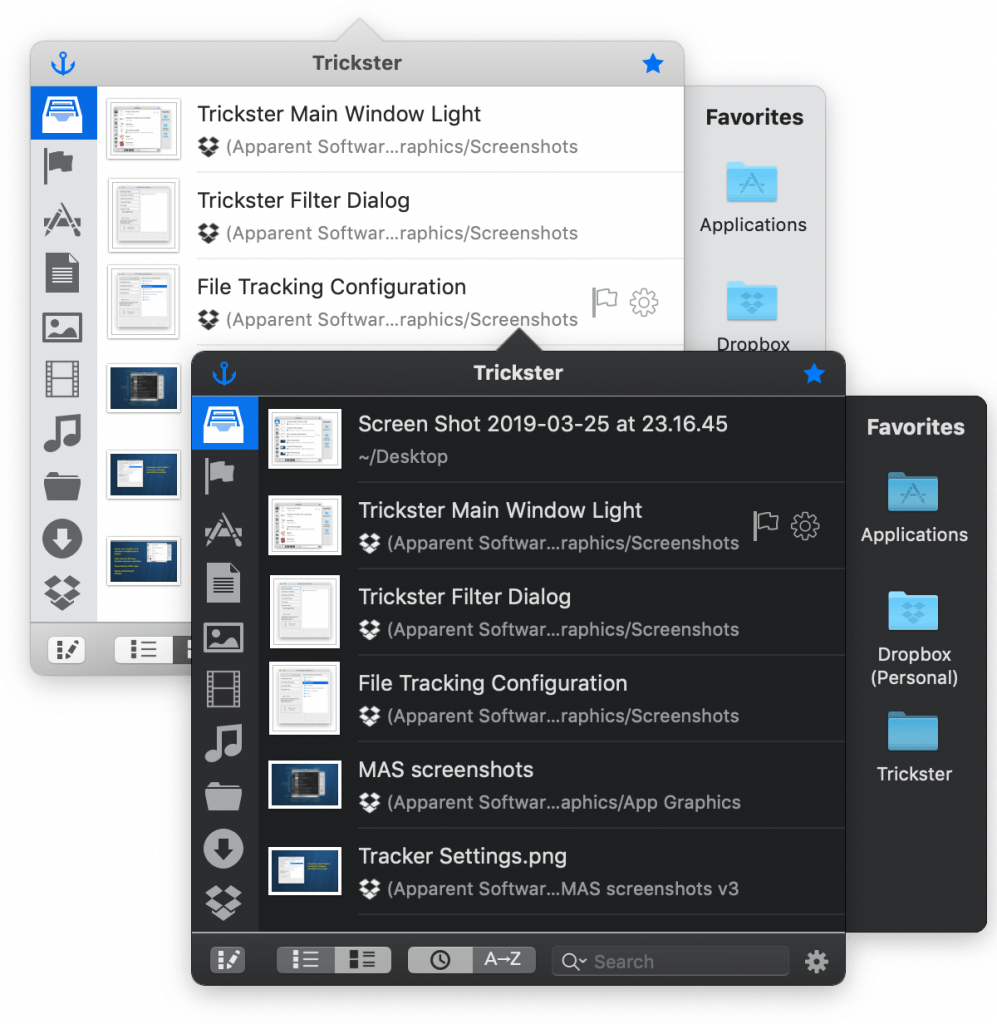
Dark or Light modes can now be forced independent of macOS system-wide setting.
Font size for file list and their folders can be increased with 3 larger font settings.
Both settings can be accessed in Trickster’s Preferences:
Trickster’s Preferences Panel with new options highlighted
The User Interface now sports minor improvement to its look, especially to the bottom bar.
If you want to adjust the folder font size independently of the file name font size, there’s a hidden command-line preference that’s described in the user manual.
We’ve update Trickster’s design for macOS 10.14 (Mojave) and fixed some bugs related to it. The new version is Trickster 3.0 and can be downloaded from Trickster download page. The update is free. Versions for older macOS versions can also be downloaded from that page.
The new version supports Dark Mode and control accent colors and, in general, has a more native look and feel. Because of this, the new version requires macOS 10.14 and will not work on macOS 10.13 or earlier.
How often do you hear the words that it is too late for something, that old trees are not replanting? And how often do you see a smile of pity on the faces of your friends, when you think loudly about changing not only work but also profession at the age of 40? I often met with such reactions when I told my friends that I was going to learn programming and become a developer. Today, many of them congratulate me and admit that they did not believe in my success.
Yes, at the age of 42, I decided to make one of my childhood dreams and learn to program, and maybe become a developer. And even though my programming adventure is just beginning (the journey is the reward), I can already boast about Socialite, my first iOS application that I created together with my friends from Apparent Software. I will start from the beginning.
Krystian
My name is Krystian Kozerawski and for the last 10 years I was one of the most popular Polish bloggers writing about Apple. When in 2008 I started my blog and told everyone that I wanted to live off of it, many thought I was crazy. I have created my own brand in the Polish blogosphere with my hard everyday work and for the past 10 years my passion has been my source of income.
A few years ago, however, I noticed the first symptoms of burnout. Being in my forties I was wondering what career path and passion to choose. Having at home a few Mac computers, iPads and iPhones and experience in terms of a critical look at applications (which I have been reviewing for many years), the choice seemed quite simple – I decided to become a programmer.
My Childhood Dream
Programming was one of my unfulfilled childhood dreams. I started my adventure with computers at a time when Poland was behind so called The Iron Curtain, and these machines were smuggled into the country. At that time, I attended a computer club where up to ten children where gathered around one ZX Spectrum or Commodore 64. As you probably guessed, little time, which each of us had at our disposal, was devoted to much more attractive games than to learn programming. Although I learned a few basic instructions then, but my use of the programming language was limited to the load instructions only.
Symptoms of burnout as a blogger increased, which pushed me towards making a decision. Finally, in January 2016, I started learning Swift from the first textbook I bought. From that time on, I devoted a daily of one to three hours a day to learning programming. I must admit that the remote work from home and the unlimited work time of a blogger helped me a lot. I had time to learn, to think out, even to take a walk in the woods to clear my mind and put the things I had learnt in order.
Learning programming language without any real experience reminds me a work of detective who collect the evidence that at the beginning seems not to be connected. During first year of learning Swift language I sometimes didn’t understand the obvious things, and I had to take them as they were. Then after a few weeks, and sometimes even months, I learned something that made concepts previously hard to comprehend so obvious or even trivial. I was buying other digital textbooks and going through each learning project they provided.
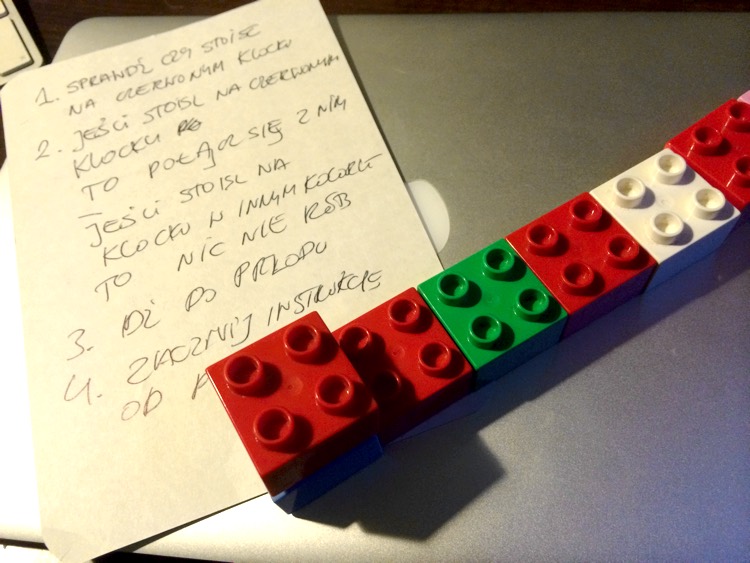
Of course learning programming language is a never ending story, so I am still trying to learn and read new textbooks on Swift. In one of them I read the advice to share the acquired knowledge also at the beginning of one’s programming adventure. It so happened that a few years earlier, my 4.5 year old son, who began reading and writing on his birthday, executed a simple program, which I wrote down on a piece of paper.F
Learning and Teaching Programming
While playing with Lego blocks, I accidentally began to teach him programming. I put in a straight line square blocks in different colours, and one separate — red — set them in front of them. I explained to my son that this red brick is a robot that he has to collect — by sticking to himself — all the other red blocks in the line I have arranged. Quickly on the page I wrote him a simple instruction containing several commands and a simple loop and conditional instructiocns:
Check what brick is under you
If it is a red block, attach it underneath you, otherwise do not do anything
Move forward
Start from the beginning
Well, this was not an impressive code, but I was still surprised when my 4.5 year old son, who had learned to read and write a few months earlier, did the job without any problems. Later, I created a few more such programs.
Then came lessons on the computer, and more specifically a simple programming course for children on the Code.org website in which the robot BB-8 from Star Wars is programmed. Finally, with the beta of iOS 10, the Swift Playgrounds app appeared, which my older son started to play with.
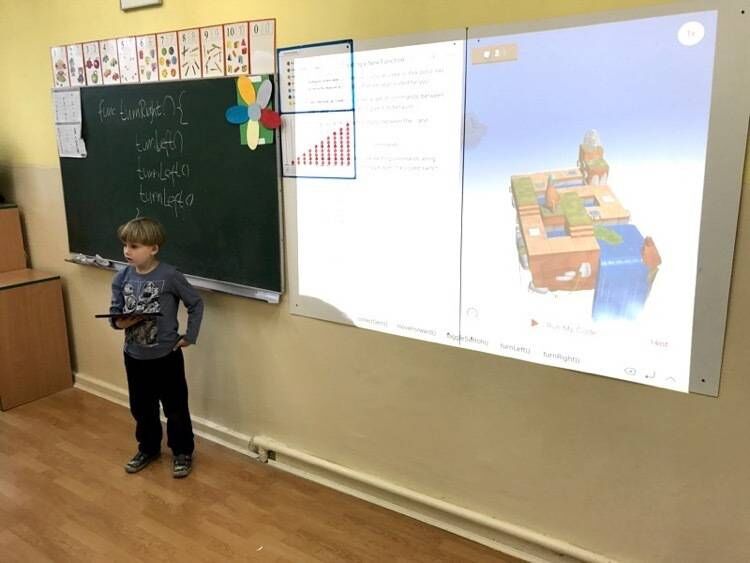
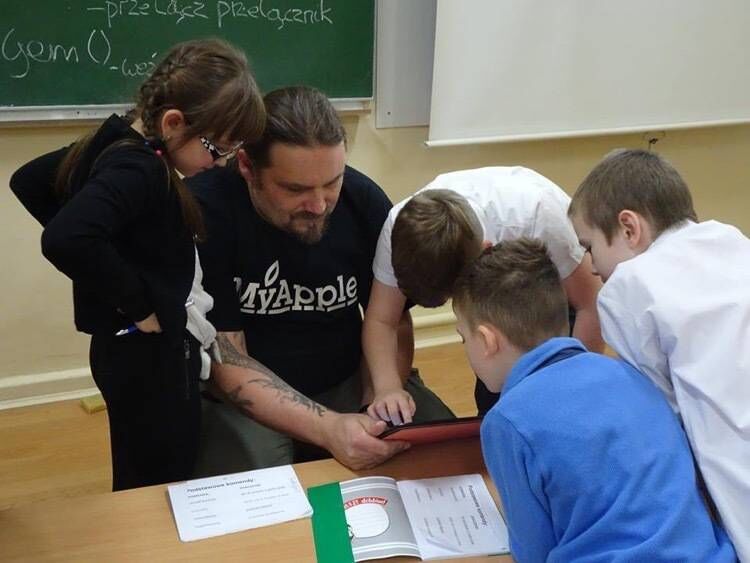
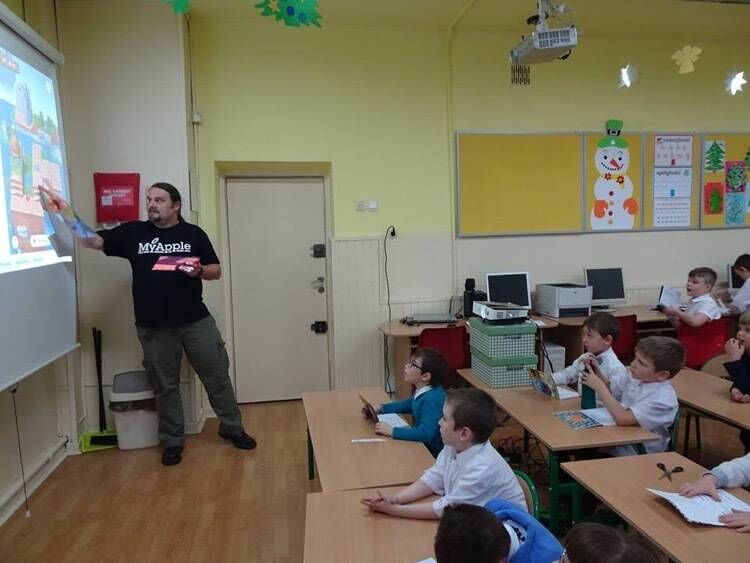
A few months earlier, in the first school year, I had the opportunity to give a full-day class in a class of my son, which showed children holograms, simple virtual reality in Google Cardboard glasses and Sphero controlled and programmable toys. The reception on the part of children was phenomenal. Actually, they did not want to let me out of the classroom. Remembering this, I thought that since I teach my son the basics of programming in Swift Playgrounds, I might as well do it voluntary (pro bono) in his class.
My son explains simple programming concepts to his classmates
Although children have lessons in so-called computer science, but it is really simple and quite reproductive computer skills, which of course is also needed (even my son, who only in the classroom has contact with Windows). However, I think that most of them do quite well with computers, smartphones and tablets, and what they should learn immediately after gaining reading and writing skills is the basics of programming. The programmer is still one of the most sought-after professionals on the market (tens of thousands of programmers are wanted on the European market).
I shared the idea with other parents of kids from my older son’s class, I have also shared the idea with the teacher and I came back to him at the first September meeting, but it took two more months to get the permission of the school management and write a simple program for these lessons, although I do not conceal that, apart from the very general framework, a lot of my learning is improvising and things invented ad hoc, a few hours before or during classes.
I teach children at school once a week.
Becoming a professional software developer
For the last two years — as I wrote above — I have been learning programming myself from textbooks usually one to three hours a day. Finally, in September last year, I decided to check how much I know. As a 43 year old I came to an internship in one of the software houses in my home town. And a few months later my friend Jacob Gorban of Apparent Software said that they are looking for a Junior Swift Developer. Years ago me and Jacob have met at Macworld in San Francisco. Jacob was one of exhibitors and I was a journalist. After the show we stayed in touch, for sharing the same passion about the music. And then it appeared that we share also the programming passion.
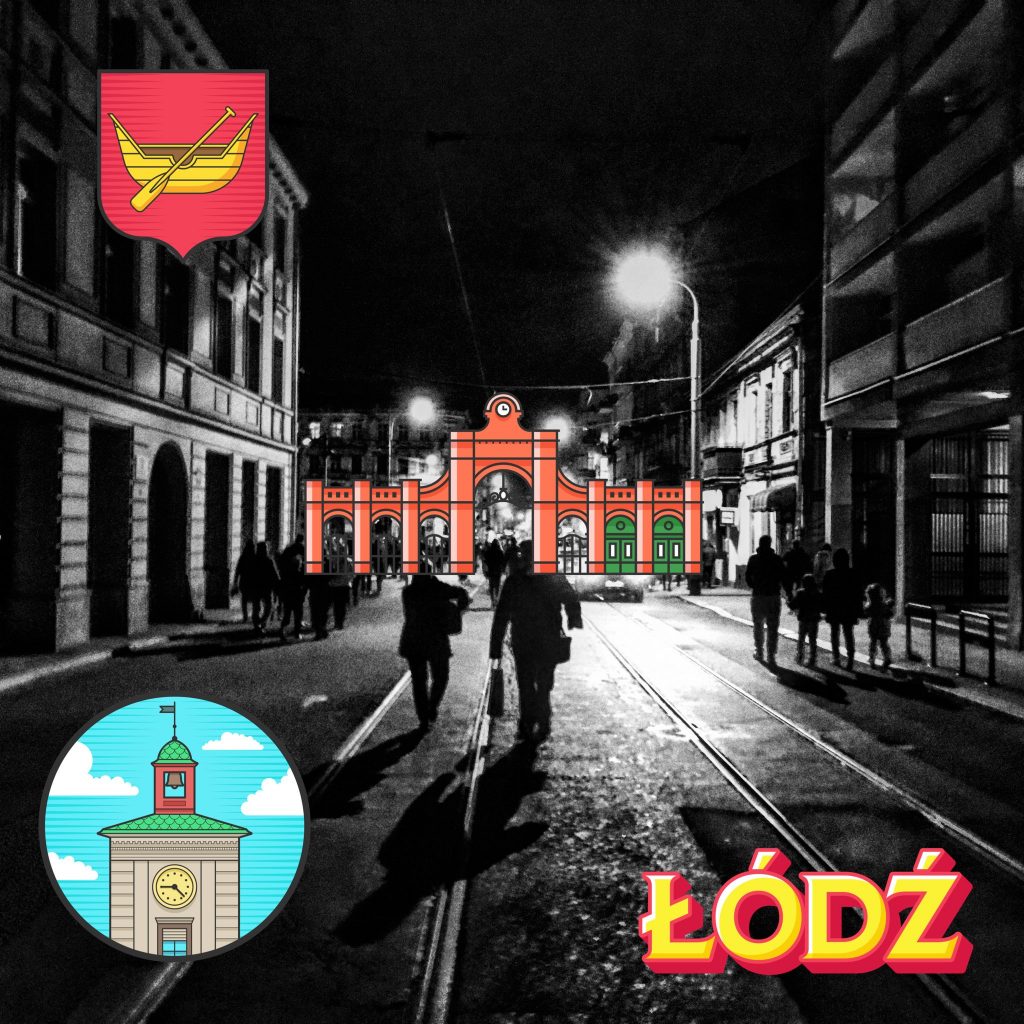
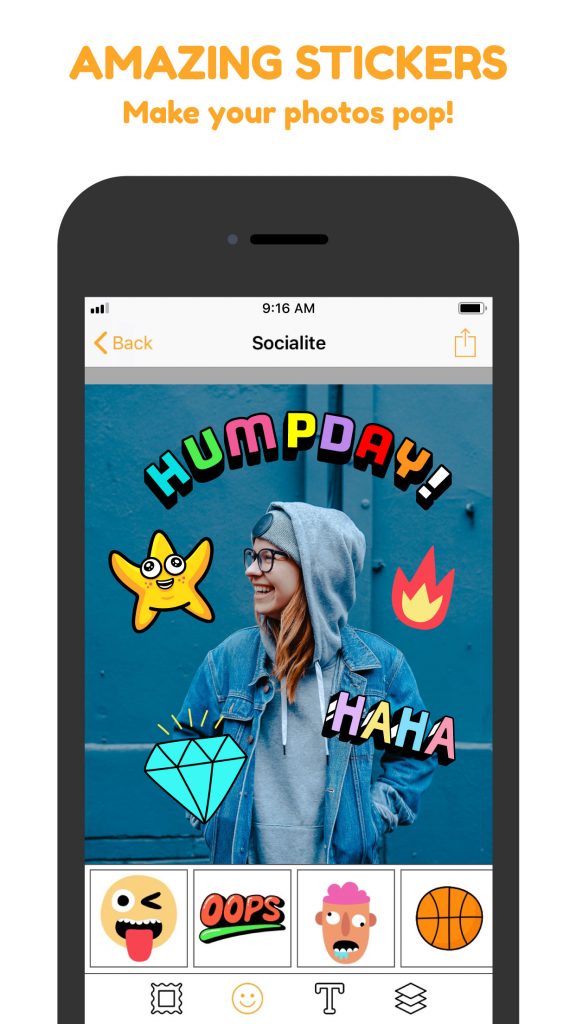
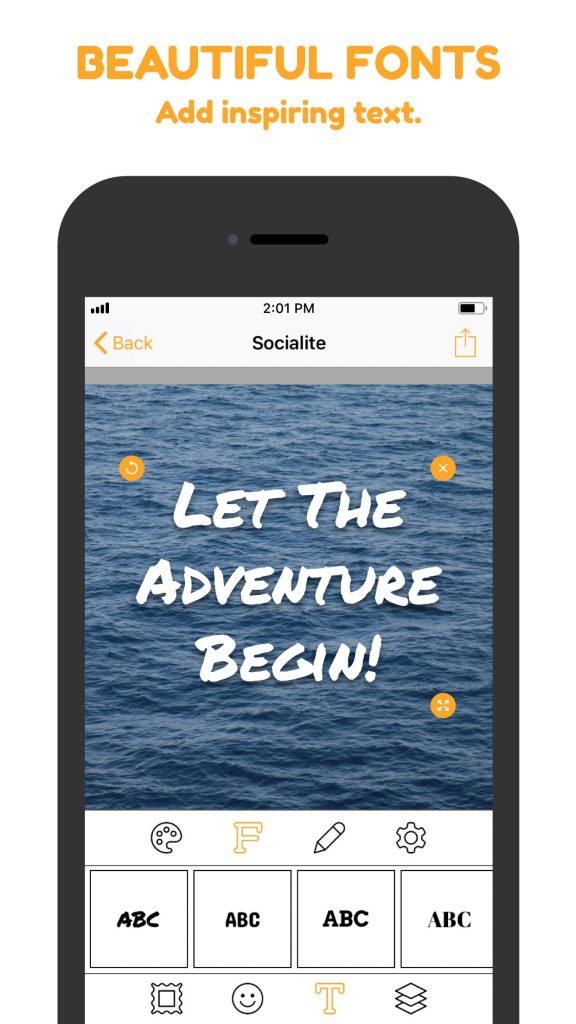
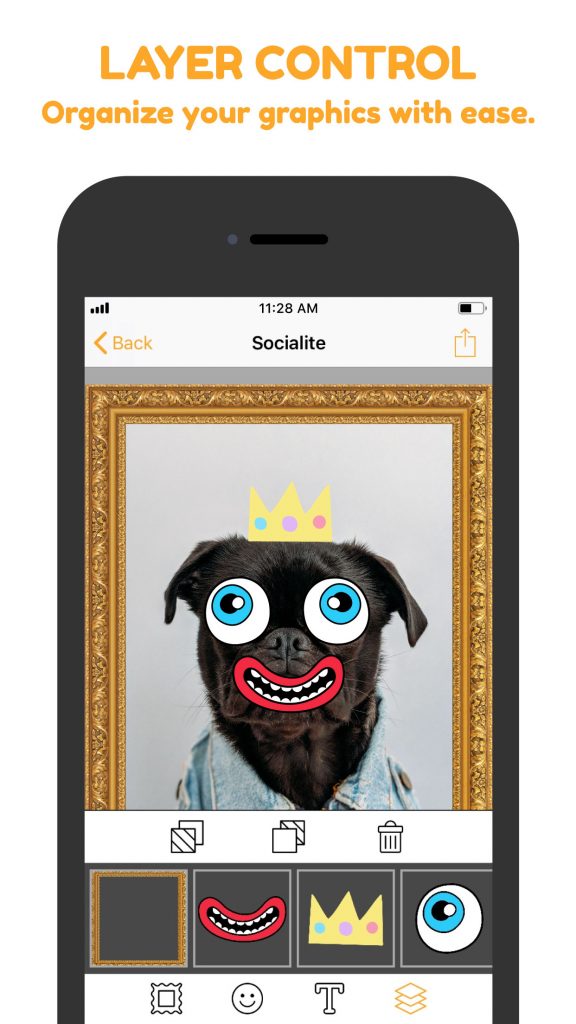
With a helping hand of Jacob who is obviously much more experienced developer I started my work on Socialite. And it is not only just an app. Since we all at Apparent Software share passion to the music (and a few of us are also musicians) from the very beginning I was thinking about Socialite as of the song of a band. Our common work, filled with our passion and pieces of our own personalities.
At Apparent Software we are based both in Canada (Winnipeg, Toronto), USA (Chicago) and Poland (city of Lodz) we knew we want to do something for our local communities. That is why you are going to find in Socialite sticker and frames packs that depict famous places in our own home towns. For me as a Pole very important is link between the place I live and the second biggest Polish city in the world – Chicago. You know that almost every Polish person in Poland has relatives in Chicago? And it is not just an urban legend. I do have them, and releasing feature pack for Polish community in the USA and especially in Chicago I am making a commitment to find them.
So here it is. Socialite, the effect of real commitment in making old dreams come true. There is never too late, and as long as you believe in yourself and there are people who want to share their own experiences and knowledge the impossible is nothing.
Starting with version 2.7, it’s now possible to detach Trickster’s window from its menu bar icon. You can drag the window to any location on the screen and Trickster will remember it. In combination with a keyboard shortcut to show and hide the window, mouse travel can be greatly minimized.
It was a feature suggested by you, our customers, so keep the suggestions coming.
We celebrate Canada Day and US Independence Day with a 34% discount store-wide. The sale runs through July 6th. No coupons are necessary.
Select the product you’re interested in:
Trickster
ImageFramer
Cashculator
But there’s more…
Download these special frame sets designed by us for ImageFramer 4 with special festive designs for this occasion!
Click on the icons below to download the frames. Then double-click on the downloaded files to import them into ImageFramer. Have fun and show what you’ve done on our ImageFramer FaceBook page.