Archive for the ‘ImageFramer’ Category

Added lost license form

Tuesday, October 14th, 2008

I’ve added a lost license form, with a link from the support page.

Now, by giving the email address you used to register ImageFramer, you’ll receive your code and a receipt to it.

The receipt might not be correct if you haven’t bought through PayPal store but at Kagi or some other promotion, since then the data is not full.

But the license codes will be correct.

ImageFramer 2.1.1 released

Monday, September 29th, 2008

New since 2.1:

  • Fixed the loading of designs by double clicking a .framing file in Finder to start ImageFramer.
  • Added option to save a design, if it was changed, before quitting ImageFramer. A panel will pop-up asking what to do when quitting an unsaved design.
  • Color panel now doesn’t pop up just by selecting another tab in control panel, which nagged some users.
  • Frame, image and mat setting can now be selected correctly by clicking in the main window at the relevant area. Frame by clicking on frame, image/background by clicking on image or background, A specific mat can be selected by clicking directly on the mat.
  • Disabled opening an Open Image dialog by double clicking on the image in main window.

ImageFramer 2.1 released

Tuesday, September 9th, 2008

I’ve finally released version 2.1 of ImageFramer.

I’ve also somewhat redesigned the website to allow better user experience on the site. The navigation has been modified to be more accessible and the home page now redirects directly into ImageFramer’s overview page.

I’ve also added a new gallery to show 2.1 features and a new introductory screencast. Find them all on the site.

Also, I’ve embedded a PayPal web store for better buying experience. Those who don’t have PayPal can still use our store on Kagi.

ImageFramer 2.1 introduces bevels and shadows

Monday, September 1st, 2008

I’ve finished coding ImageFramer version 2.1 and it’ll be released in the coming days, after the Japanese translation is finished updating. So, what’s new in 2.1? Lots of beautiful stuff:

  • Additions of bevels for mats. Many users have asked for this and I didn’t realize the power of this until after I implemented this feature and saw the results. Mats can now have a white-like bevel to add depth to the resulting image. The bevel’s width is controllable.
  • It’s now possible to add shadows under frame and beveled mats. This is really exciting as well, as the addition of shadows really adds to the 3D look, and together with bevels it just looks fantastic.
  • Light direction can be controlled using a simple control in the image tab. Light direction changes where the shadows fall and also changes the lighting on the bevels to give a consistent look on the shadows. Note that the frame themselves don’t change as result of the lighting change. So your best bet is to adapt the light source to look consistent with the frame’s lighting.
  • I also added a new set to the real frames collection, called Linen Liners, I put 4 different linen liners there that are very good to put under frames, instead or in addition to mats.

So what result can you expect with the new features? Take a look at the pictures below:

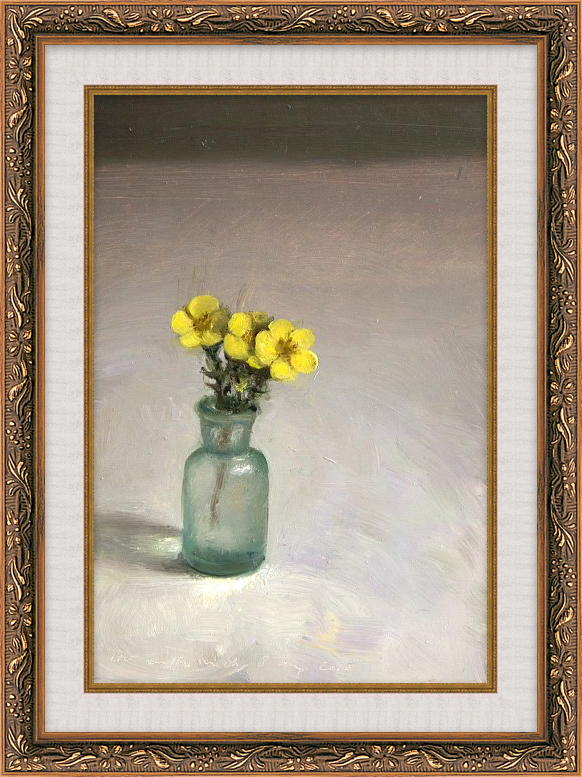
Framed dry flower Framed parrot

To see the new features in action, see the new screencast that shows them:

ImageFramer version 2.0.3 is released

Saturday, August 2nd, 2008

I’ve released ImageFramer version 2.0.3 with 2 UI changes:

1. The Hue and Saturation sliders are now disabled when frame colorize effect is applied, since they don’t affect the frame’s appearance and may only confuse the user.

2. Removed the bottom light gray bar from the main window, as it only served for resizing and looked bad. Resizing is of course still possible by dragging the bottom right corner.

On another note, design for ImageFramer 3 is going quite well and it will be an application of another class.

ImageFramer gallery has been updated

Friday, July 25th, 2008

The ImageFramer gallery page was updated with new design and more example designs. 

A flash presentation with Coverflow like interface is now used to display the multitude of images, organized into two galleries.

3 new ImageFramer screencasts

Friday, July 25th, 2008

I’ve added 3 new screencasts showing various ImageFramer features.

Now there are 4 total screencasts:

Screencast #1 - Introduction to ImageFramer
The original screencast which shows how fast, easy and powerful ImageFramer is

Screencast #2 - Frame effects
Displays various effects that can be applied to frames.

Screencast #3 - Frame types
Displays some of the frames selection available with ImageFramer.

Screencast #4 - Batch processing
Shows how to frame multiple images fast using batch processing

Watch and enjoy.

I’m hiring a designer

Friday, June 27th, 2008

I’m glad to announce that starting 1st of July, a designer, specializing in interactive design will join Apparent Software. She will join me for about 3 months to take ImageFramer to the next level.

She’ll be working on usability improvement, UI design for the planned features of ImageFramer 3, illustration work on icons and on the design of new frames.

She’ll also produce more screencasts to compement the one I’ve prepared earlier.

I’ve come to this decision after realizing that I’m not the best UI designer around and certainly not a great graphic artist. This will also leave me more time to actually program.

I hope her involvement in ImageFramer design will take it to the next level.

ImageFramer version 2.0.2 released

Wednesday, June 25th, 2008

ImageFramer version 2.0.2 was released today. There’s only a bug fix (important one) and a usability change.

BUG FIX: Crash when renaming variation was fixed.
NEW:  Variation names are in editable mode when adding a new variation.

Download ImageFramer

A picture translated to Japanese

Thursday, June 19th, 2008

My application is localized in English and in Japanese. A Japanese company (ACT2), who sell ImageFramer in Japan also does the localization. We worked together and it is a good experience. One of the things I’ve added in version 2.0.1 is a default startup image that loads in ImageFramer, when user launches it.

Below is the picture that I selected for this task. It’s a photo I took in Spain about 8 years ago.

ImageFramer Start-up image in English version

So, I sent the Photoshop file with to the Japanese team to replace the text with the Japanese one. They did. Same apparent font, same effect but something changed :lol: .

ImageFramer startup image in Japanese localization

Yes, the whole image was translated into Japanese, it seems. 

Actually, I qute like the image.